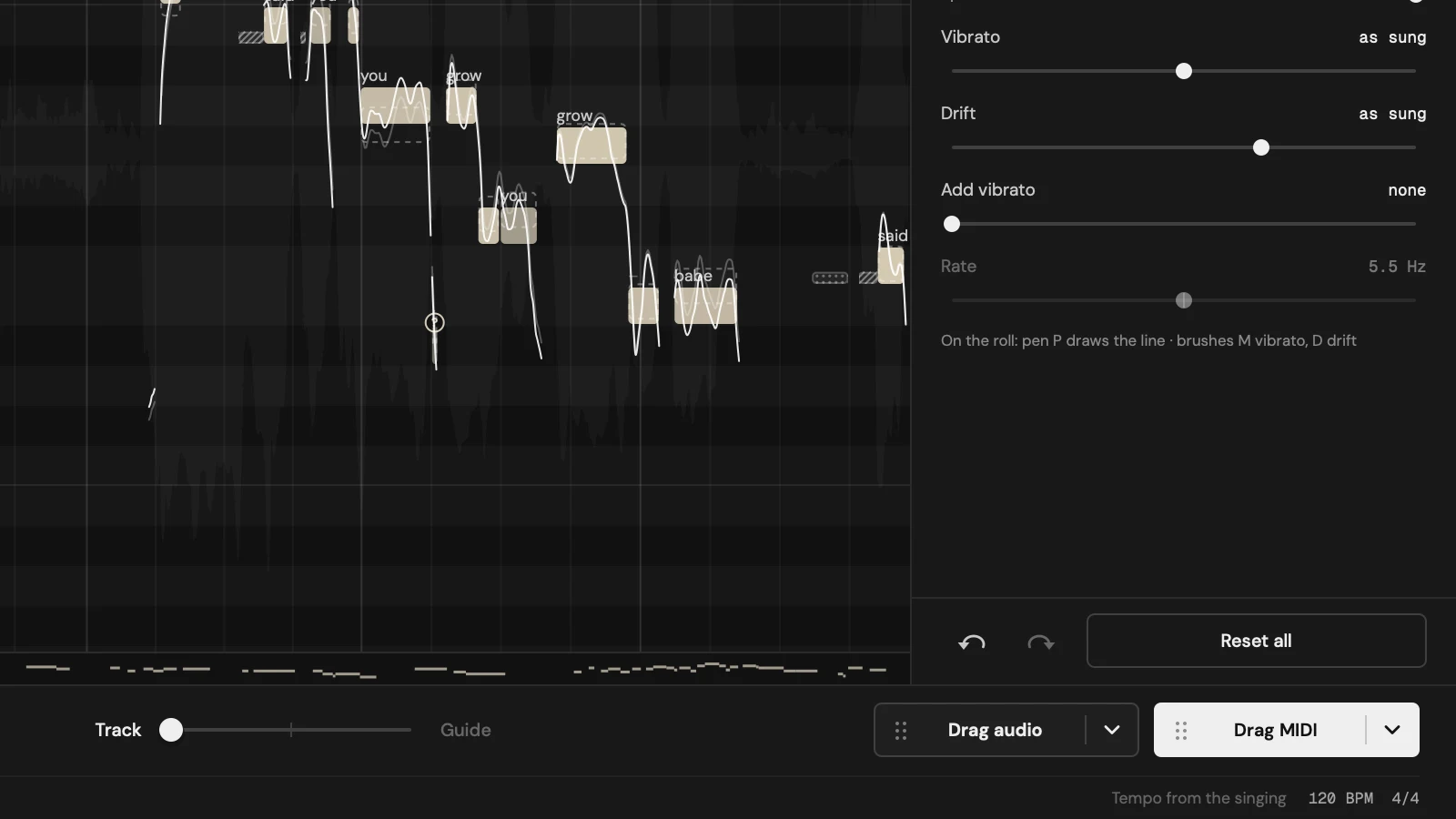
Singing is the fastest way to get a melody out of your head. Turning it into MIDI lets you play it on a synth, double it with an instrument, or write it down. The hard part is the transcription: where each note starts, and what pitch it is when the singer slides and wobbles.
From a recorded take
Intonic Vocal finds the notes in a take on its own, each at the pitch it was sung, with its syllable. Drag MIDI from the bar under the roll onto a track, or save it as a file. The file carries the tempo the singing implies, so the notes fall on bars even when the take wasn't recorded to a click, and with several vocal tracks one file holds them all, a MIDI channel each.
Before dragging, go through Next note to check in the Notes chip. It steps through the notes most likely to be wrong, the very short ones and the ones with a jump inside, and anything you split, join or move goes into the MIDI.
While you sing
Intonic Live sends the notes you sing as MIDI, live, so you can play an instrument with your voice. A note goes out once it is clearly sung, so a slide doesn't fire every note it passes through. It is for playing, not for a perfect transcription. It works in the standalone app and the VST3, and in AU hosts that take an effect's MIDI.