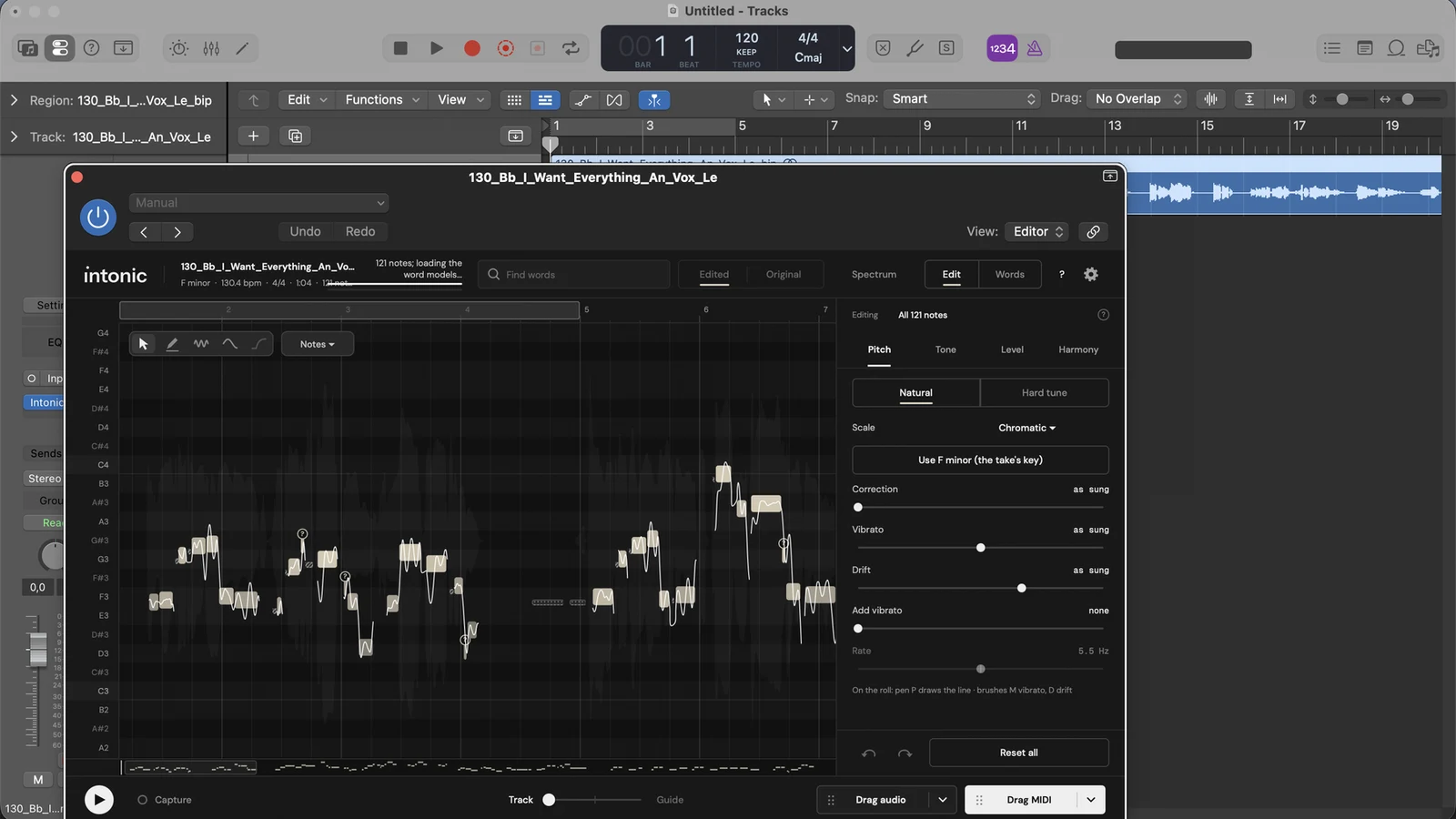
In DAWs where Intonic Vocal connects through ARA, it reads the whole clip the moment you open it. In Logic Pro it works as an AU without ARA, and that costs one extra step and a few seconds.
Getting the vocal in
- Put Intonic Vocal on the vocal track as an AU.
- Select the vocal region and choose Bounce in Place. Intonic Vocal hears the whole region as Logic renders it.
- The notes are there in seconds.
Playing the take through once works too. Intonic Vocal keeps what the track played at its place on the timeline and finds the notes when playback stops.
Getting it back out
Leave the plug-in on the track, or drag the edited audio from the bar under the roll onto a new track. Drag MIDI gives you the notes as a region for a synth or a score, and harmonies made from the lead drag out to tracks of their own. Keep the raw comp on a muted track underneath; edits can always be undone, but a spare copy costs nothing.
While recording
For tuning while the singer records, Intonic Live goes on the vocal track as an AU and reports no latency for Logic to compensate. Logic records the take as sung, before the plug-in, so the tuning can still change afterwards.